
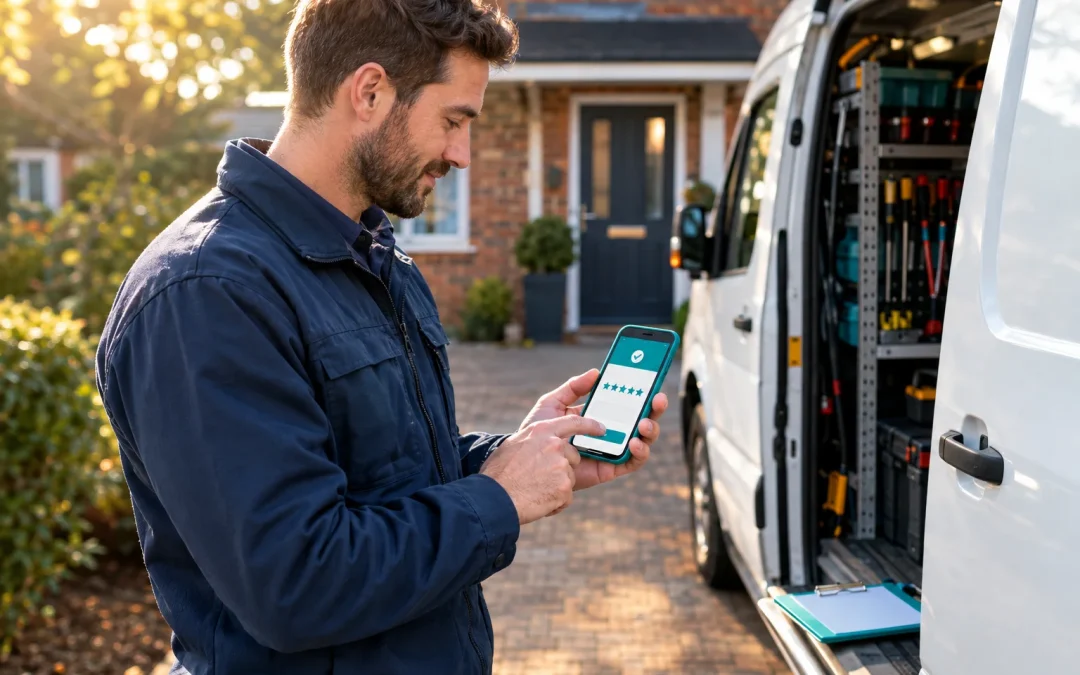
What unanswered reviews cost a small trade firm
Picture a family-run plumbing and heating firm in Nottinghamshire, which we'll call Marlowe Heating. It has 22 staff, no marketing team and a handful of Google reviews. One of them is a 2-star review about a missed appointment, posted months ago and never answered. The owner looks at reviews when a customer mentions them, and not otherwise.
A homeowner with a leaking boiler doesn't know any of that. They search, see the rating and read the most recent reviews before they ring anyone. In a CIPHE survey of 2,000 UK homeowners who had received unsatisfactory tradesperson service, 55% said they rely on online reviews when choosing who to hire. That sample is narrow, but the behavior it describes is easy to recognize. BrightLocal's 2026 survey of 1,002 US adults found that 41% always read reviews when browsing for businesses, up from 29% in 2025, and 68% would only use a business rated four stars or higher.
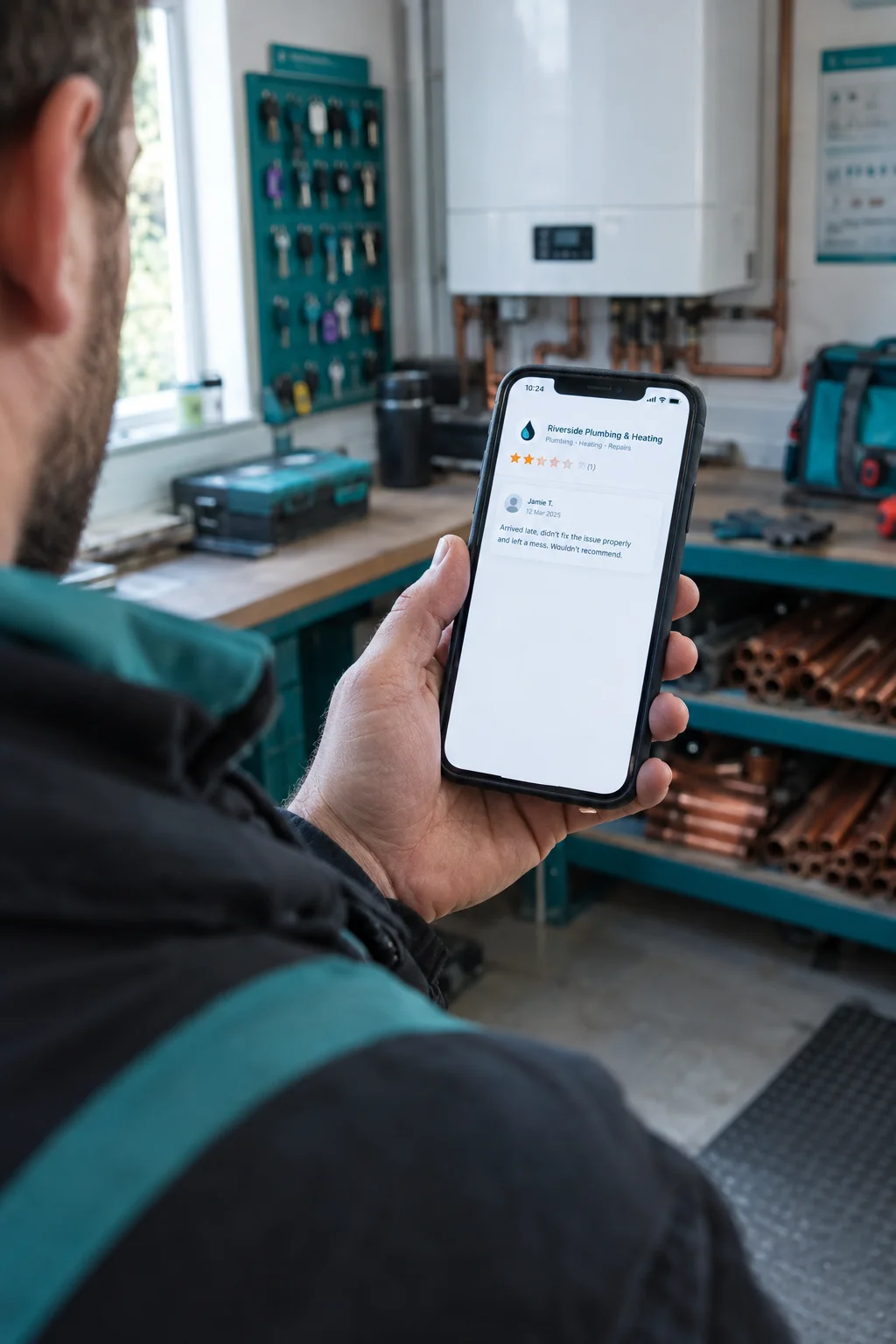
A complaint with no reply reads as a firm that either didn't notice or didn't care. Either way, the reader moves to the next name on the list.
None of this needs a marketing department. It needs a routine with one named owner: get reviews after each job, track them in one place, and answer them properly, the bad ones included. That takes about an hour a week.
The rest of this guide covers each step, with UK-relevant rules on what you can and can't do, and ready-to-use reply templates you can adapt for your own business.
What review management means and how the three-part routine works
Review management is the ongoing routine of collecting customer reviews, monitoring them, answering them and using what they say to improve the business. It covers every platform where customers leave feedback, such as Google, Facebook and Trustpilot, and it is a habit rather than a one-off project. The common definitions from review software vendors agree on those four parts: request, monitor, respond, learn.
For a local business, Google comes first. Your reviews appear on your Google Business Profile, the listing that shows up in Maps and local searches with your hours, phone number and photos. Google says that complete, accurate profile information helps it match a business with relevant searches, so the profile is the place where your reviews and your details sit together. If you want to tidy the listing itself, our guide to Google Business Profile optimisation covers it. Facebook and one sector-specific site usually come second.
This guide splits the routine into three parts:
- Get: ask every customer for an honest review at a set moment.
- Track: see every new review in one place, with a weekly check.
- Answer: reply to good and bad reviews in a calm, human voice.
Software in this category does the middle part for you. Most tools pull reviews from several platforms into one feed, send alerts when a new one arrives, produce reports, and tag recurring themes and sentiment, such as "late arrival" or "friendly staff". Trustpilot, for instance, sends weekly and monthly summaries with suggested actions.
Paid tools are optional at the start. Manual review management works at low volumes, and software earns its cost when reviews are spread across many platforms or several locations. A single-site business can begin with Google Business Profile notifications and a spreadsheet, both free, and Step 2 shows how to set them up.
Ask every customer for a review, and do it the same way each time
Reviews pile up when asking is part of the job, not a favor you remember to request. This routine takes about two minutes per customer once it is set up.
- Pick the moment. Ask when the customer has just seen the result: the boiler is running, the appointment is over, the order has been collected. A request sent a week later gets lost.
- Get your review link and QR code. Google Business Profile lets you copy a review link or download a QR code to share with customers. Save the link on every phone your team uses, and print the QR code for the counter, van or receipt.
- Send a short text or email. Two lines is enough: "Thanks for choosing us today. If you have a minute, an honest review helps other customers find us," followed by the link. Send the same message to everyone.
- Add a reminder to the invoice or receipt. One line and the QR code covers customers you did not message.
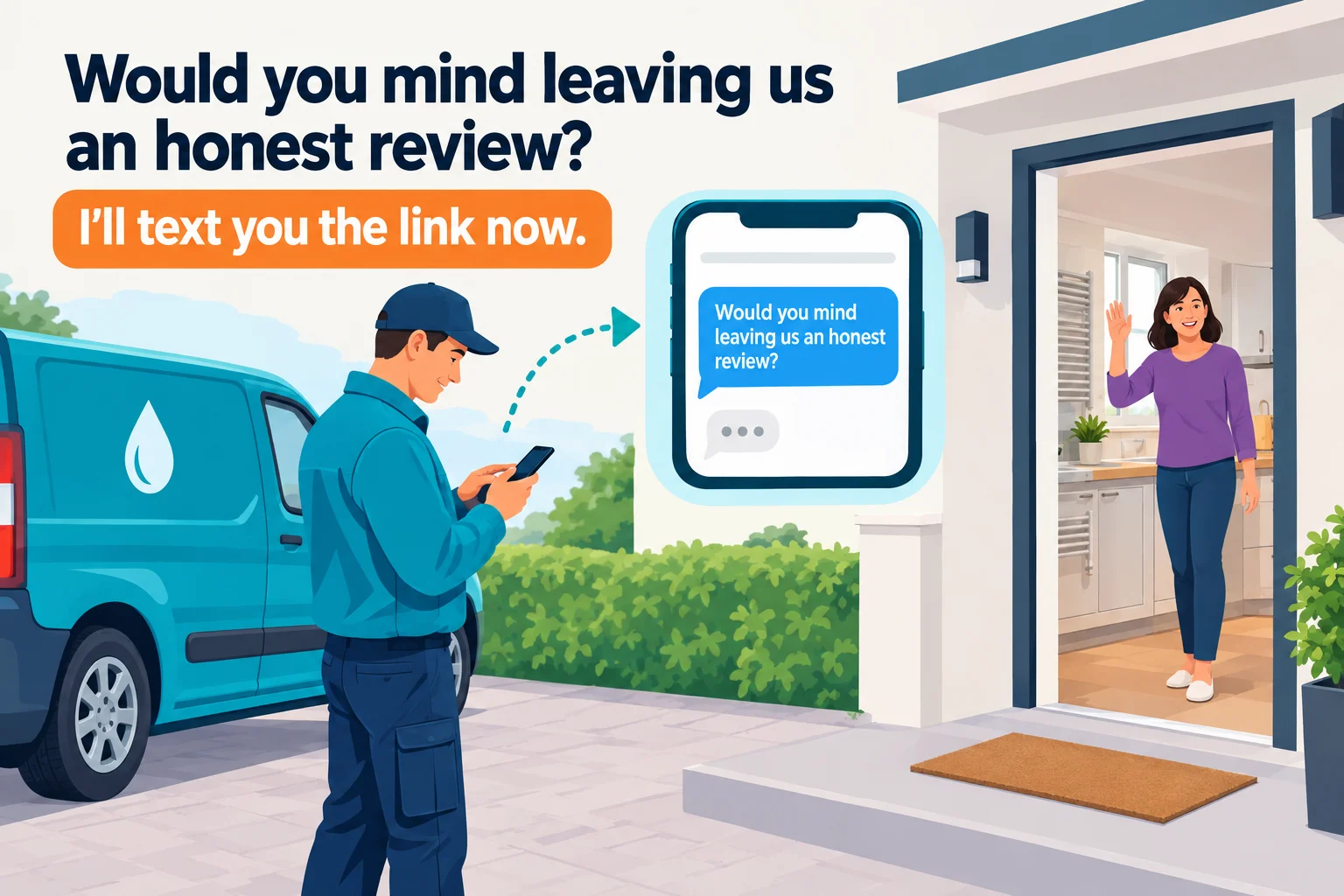
- Train staff to ask in one sentence. "Would you mind leaving us an honest review? I'll text you the link now." Nothing more is needed.
For the plumbing firm, the engineer finishes the job, shows the customer the heating working, and sends the text before leaving the driveway. The customer is still standing in the kitchen when it arrives.
What not to do
Google's policy lets you ask customers for reviews that reflect a genuine experience, but not offer incentives or try to influence the rating or wording. That rules out discounts, prize draws, gifts and payment in exchange for reviews. Do not ask only your happiest customers either. Send the same neutral link to everyone, whatever you think of how the job went. Staff, family and friends should not write reviews, because those are not genuine customer experiences.
Google removes reviews that break its policy, and in the UK the stakes are higher. Fake reviews and paid-for reviews not clearly marked as incentivised became banned practices under the Digital Markets, Competition and Consumers Act 2024, in force since 6 April 2025. The Competition and Markets Authority's guidance covers reviews written or commissioned from staff, and it opened investigations into Autotrader, Dignity, Feefo, Just Eat and Pasta Evangelists over suspected misleading review practices. Those cases are about whole review systems, so a small business is safest with a plain process: ask real customers, ask them all, and pay for nothing.
Honest negative reviews will arrive too. That is expected, and managing negative reviews is covered in Step 3.
For tactics beyond this routine, such as where to place QR codes and how to word requests for different trades, see our post on How to Get More Google Reviews.
Set up alerts and a 15-minute weekly check
Start with alerts, so new reviews reach you without logging in. In Google Business Profile, the notification settings let you switch on emails for new reviews and customer activity. Verified owners can then read and reply through Search or Maps.
Watch three or four places. For a plumbing firm that means Google, Facebook, and one trade site such as Checkatrade or Trustpilot, whichever your customers use.
Then fix a weekly slot. Fifteen minutes every Monday works: open each platform, log anything new, and flag unanswered reviews.
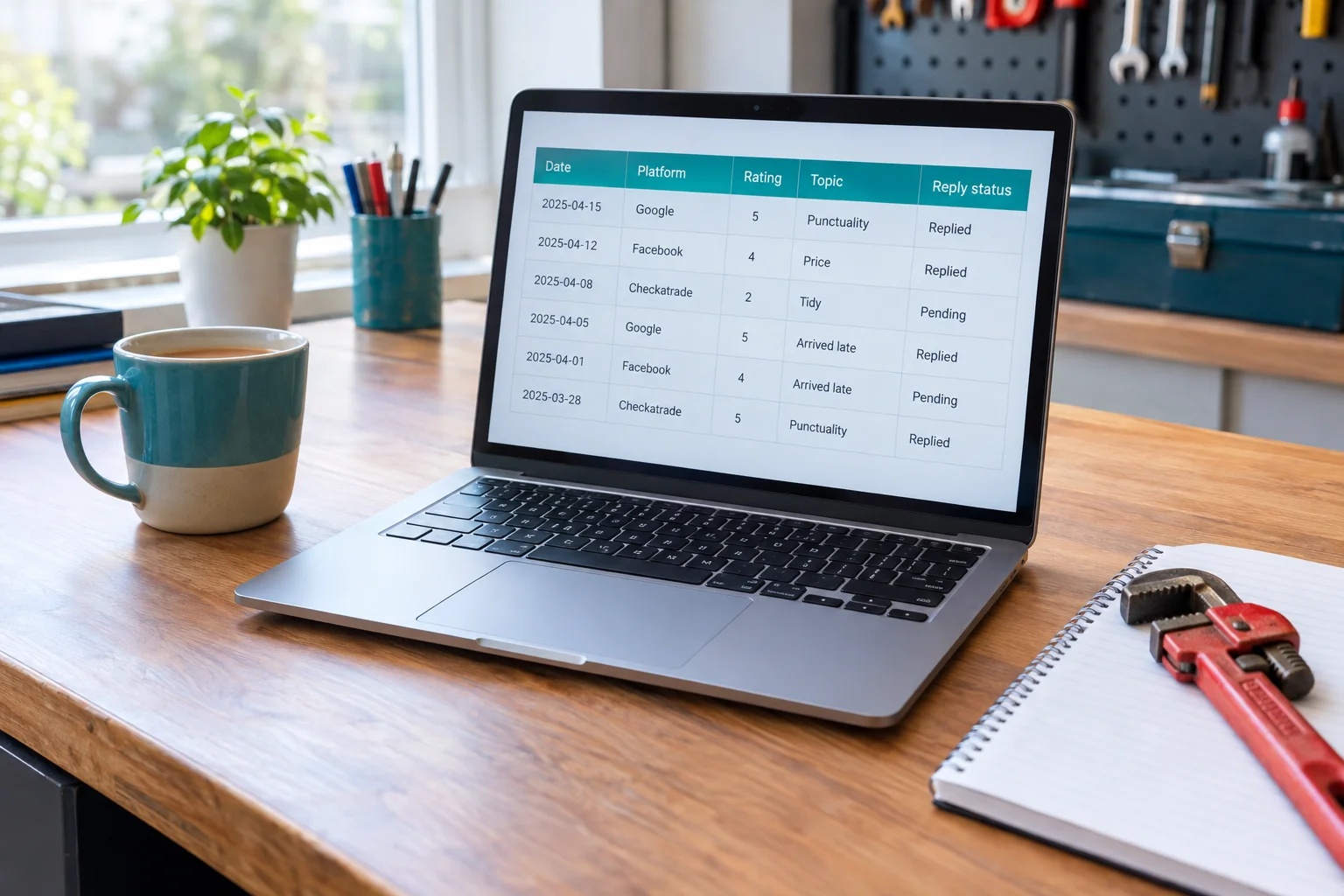
The log needs five columns: date, platform, rating, topic, reply status. Topic is one or two words, such as "punctuality", "price" or "tidy". A spreadsheet like this is enough to follow rating trends, volume and recurring themes.
Once a month, report three numbers: average rating, reviews received, and the most repeated topic.
That repeated topic is what software calls sentiment analysis. Sentiment tools classify tone, while theme detection groups comments about subjects like price or staff. You can do the same by eye. After a month, the plumbing firm's sheet shows "arrived late" against four of nine reviews, including some with five stars. The average looks healthy, but the pattern points to a scheduling problem worth fixing.
Paid tools bundle alerts, a single inbox, reporting and theme tagging. They earn their place when you have several locations, many platforms or high review volume. Single-location tools typically run about $44 to $125 a month, and prices change, so check current pricing before buying. Automated tagging can also misread comments, so check it against the original reviews. A spreadsheet is fine until the weekly check stops fitting into 15 minutes.
Reply to good reviews quickly, in your own words
Most owners skip replies to five-star reviews because nothing is wrong. Readers still notice. In BrightLocal's 2026 survey, 89% of consumers expect business owners to respond to reviews, and 19% expect a reply the same day, up from 6% in the previous survey. Your Monday check is the practical deadline: reply to anything new while you log it. A reply also shows the profile is being watched. I'd not claim it lifts your ranking, because nothing I can point to says it does.
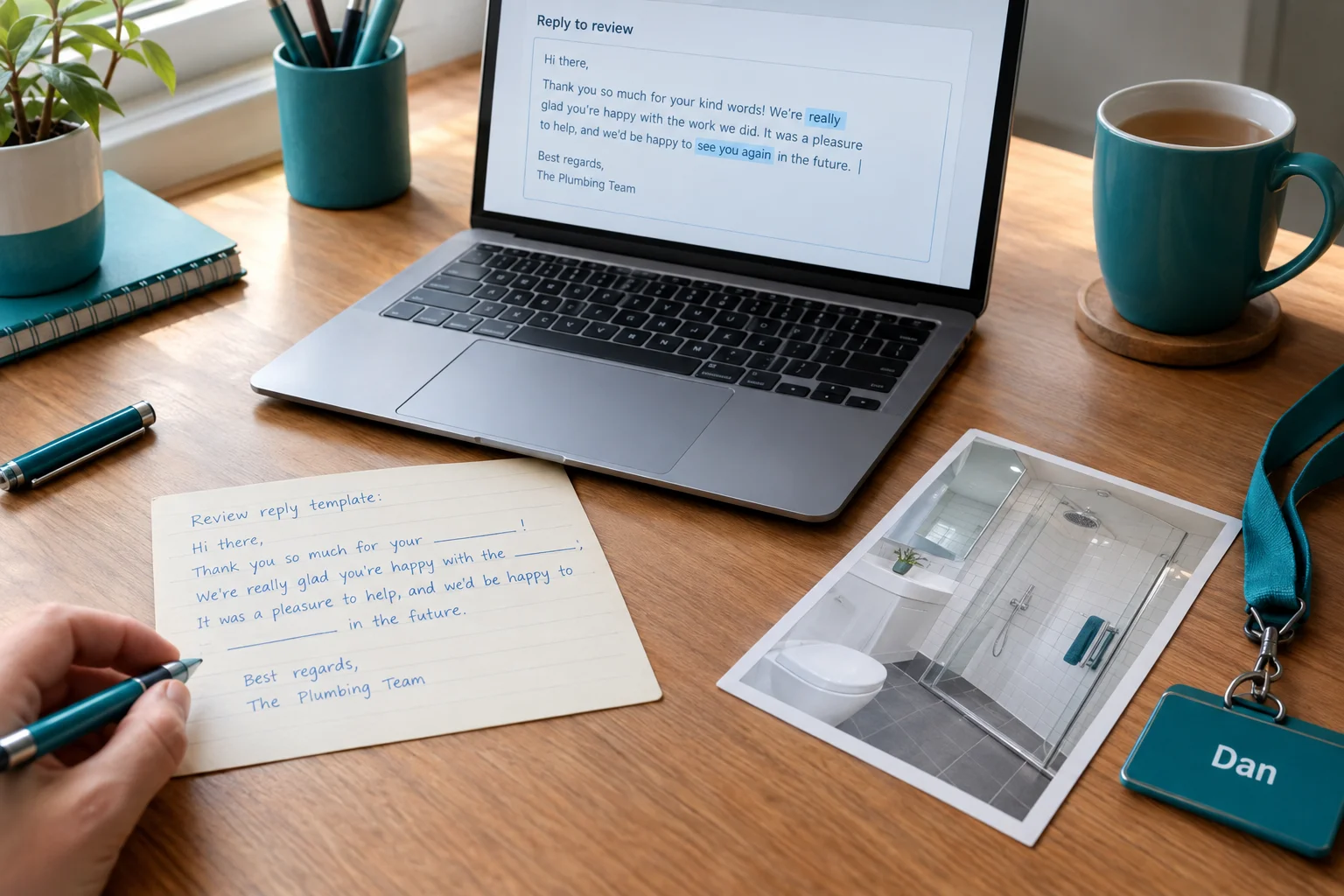
Google's guidance is to keep replies short, polite and personal, add relevant detail, and leave out promotion and the reviewer's personal information. Half of consumers are put off by generic or templated replies, so treat the templates below as scaffolding and change the wording each time.
Short thank-you
"Thanks, [first name]. Glad the [job] went smoothly. Call us any time if you need anything else. [Your name], [Business]"
Detailed review naming a service
"Thank you, [first name], for the kind words about the [boiler service / bathroom refit / leak repair]. It's good to hear [detail they mentioned, e.g. the tidy finish] made a difference. We'll see you at next year's service. [Your name]"
Review naming a staff member
"Thanks, [first name]. I'll pass this on to [engineer's name], who will be pleased you noticed [detail]. We appreciate you taking the time. [Your name], [Business]"
Using AI to draft replies
An AI tool can produce a first draft in seconds, which helps when you have a dozen replies waiting. Read and edit every one before posting, and check it against the review so it doesn't invent details. Leave out names, addresses and job details when you paste text in. The ICO says data protection law applies when AI processes personal data, including incidental processing. Drafts for similar reviews also tend to come back near-identical, so rewrite until each one reads differently.
Only verified owners can reply through the profile, so confirm yours is verified first.
Reply to negative reviews in seven steps
Take the unanswered 2-star review about a missed appointment. It gets a reply this week, using these steps.
- Pause. Wait an hour before writing anything, so the first draft isn't written in annoyance.
- Check the job records. Look up the booking, the engineer's notes and any call log, so the reply matches what happened, as Google advises.
- Reply publicly within 48 hours. That target is my suggestion, not a Google rule. Older reviews still deserve a reply now.
- Acknowledge the experience. Apologize if you got something wrong.
- Don't argue or share private details. No addresses, job specifics or account information.
- Offer an offline route. Give a phone number or email for the detail.
- Follow up. Once it is resolved, make a note in your tracking sheet. A reply may prompt the reviewer to update their review. Never ask them to.
Fair complaint
"Hello [first name], we're sorry we missed your appointment and that you were left waiting. That isn't the service we aim for. Please call [name] on [number] so we can put it right. [Your name], [Business]"
Partly fair complaint
"Thank you for the feedback, [first name]. We're sorry the visit didn't go smoothly, and our records show [one agreed fact, e.g. the engineer arrived later than the booked window]. We'd like to hear your side of the rest. Please contact [name] on [number]. [Your name], [Business]"
Review that seems to be about someone else
"Hello [first name], we're sorry to hear about your experience, but we can't find a booking under this name and want to understand what happened. Please contact [name] on [number] with the date and details so we can look into it. [Your name], [Business]"
None of these call the reviewer a liar. If a review breaks Google's rules, report it separately instead of arguing in public. The next section covers that.
How many good reviews cancel one bad one
There is no fixed number. Google ratings are arithmetic averages, so the effect depends on your review count, your current average and the stars that come in next. Rules of thumb range from 4 to 10 positive reviews per negative one, and the same sources say to work from your own numbers.
Here are the plumbing firm's. With 20 reviews at 4.6, you have 92 stars. Add one 2-star review and you have 94 stars across 21 reviews, an average of about 4.48. Each 5-star review after that lifts the total by more than the average, so it takes roughly 5 to 6 more to bring it back to 4.6. A larger base of reviews moves more slowly in both directions.
Research on impact varies, but one 2024 clickstream study found that seeing a single negative review cut purchase probability by 41.8% and raised visits to competitor pages by 9.65%. A calm, visible reply is what the next reader sees alongside the complaint.
When a review breaks Google's rules
A bad review and a policy-breaking review are different things. A negative review is not automatically removable. It generally has to break a Google policy, such as spam, fake engagement, a conflict of interest or harassment, all listed in Google Maps' content policy. A service disagreement, or your belief that the review is inaccurate, does not establish a violation. Reply to those, as in the last section, and leave them up.
If a review does look like a breach, the process is short:
- Read the policy and pick the category that fits.
- Report the review from your Business Profile or Google Maps, naming that category and the exact wording or conduct involved.
- Keep screenshots and the job records. For a suspected competitor or extortion attempt, keep the messages and timestamps too.
- Check the outcome in your profile. Google does not promise a timeline, so allow for it to take a while.
- If the report is rejected, use the appeal route. Edited or deleted reviews and suspended profiles can stop an appeal being assessed, and Google advises against filing several appeals for the same issue.
Nothing here guarantees removal. A fake 1-star review from someone who was never your customer is a good report. A fair complaint you dislike is not.
In the UK, a false statement that seriously harms your reputation can be defamatory. Under section 1 of the Defamation Act 2013, harm must be serious, or likely to be. Legal action is a last resort, and a solicitor should advise before you send anything.
The step-by-step version is in our post on getting a Google review removed.
When to hire help with reviews
The routine in this guide works without paying anyone. An hour a week and a free Google Business Profile is enough for most single-site firms.
A review management service adds people to the process. It typically sets up the request process, monitors your platforms, drafts or posts replies, escalates problems and reports on trends. Software alone gives you the feeds and alerts, with published single-location prices starting around $65 to $125 a month, but someone on your side still has to act on them.
Hiring help makes sense when:
- nobody owns the weekly check, or it keeps slipping
- replies go out weeks late
- you run several locations or platforms
- a spike of complaints needs consistent handling
- your sector has sensitivities, such as patient confidentiality in a clinic
Before you sign, ask four things. Does the provider avoid gating and incentives, as Google's policies require, and send the same request to every customer? Who writes the replies, and do you approve them? What does the monthly report show? And does the fee cover full management or just software access, what are the contract terms, and does the profile stay in your name?
Adodo's reputation services cover monitoring and responding to reviews, review acquisition and automated follow-up. A sensible first step is the Local Visibility Scorecard, which assesses your reputation performance and review velocity and gives prioritized recommendations. You can then decide whether to do the work yourself or get help. Request one at adodo.co.uk/scorecard/ or email solutions@adodo.co.uk.
Your weekly review routine on one page
Weekly, about an hour in total:
- Ask every customer for a review when the job ends, using the link and QR code.
- Spend 15 minutes checking Google, Facebook and your sector site.
- Reply to every new review within 48 hours, negative ones first. 34% of consumers expect a reply within two to three days.
- Log each review's topic in your sheet.
Monthly, ten minutes: note your average rating, review count, top theme and one fix.
The plumbing firm's office manager does this on Fridays. When "arrived late" shows up again, it becomes the month's fix: a text when the engineer is on the way.
This week, set up your Google review link and send the first ask. If you want help, book the Local Visibility Scorecard at adodo.co.uk/scorecard/.
Sources
- CIPHE reveals that most homeowners fail to carry out basic checks before hiring a tradesperson — The Chartered Institute of Plumbing and Heating Engineering (CIPHE)
- LCRS 2026: Study Shows Reviews Matter More Than Ever … — BrightLocal
- Review Management Software for Business Success — Vendasta
- Improve your local ranking on Google — Google Business Profile Help
- Review Spotlight | Product Features | Trustpilot Business — Trustpilot
- Create a Google link or QR code to request reviews — Google Business Profile Help
- Google Maps user-generated content policy — Google
- Fake and misleading reviews: 5 businesses under CMA investigation — Competition and Markets Authority
- Fake reviews guidance — Competition and Markets Authority
- Manage notifications — Google Business Profile Help
- Read and reply to reviews on Google — Google Business Profile Help
- How to measure Google review performance — Zoho
- How to use AI to analyse customer feedback — Feefo
- Best Reputation Management Tools | Compare Prices & Features — BrightLocal
- Tips to get more reviews — Google Business Profile Help
- Review survey 2026: 85% act on reviews, recency decides | PinMeTo — PinMeTo
- Tackling misconceptions — Information Commissioner's Office (ICO)
- Read & reply to reviews — Google Business Profile Help
- Read and reply to reviews on Google — Google Business Profile Help
- Report inappropriate reviews — Google Business Profile Help
- Google Rating Dropping: 5 Proven Causes and the Fix — Saphek
- The Impact of Negative Reviews on Online Search and Purchase Decisions — Bocconi University / INSEAD
- Business Profile review guidance — Google Business Profile Help
- Prohibited and restricted content — Google Maps User-Generated Content Policy
- Report inappropriate reviews on your Business Profile — Google Business Profile Help
- Appeal review content decisions — Google Business Profile Help
- Review appeal guidance — Google Business Profile Help
- Defamation Act 2013 — legislation.gov.uk
- Review Management Software: 6 Tools and Prices – Sprites.ai — Sprites.ai
- Online Marketing Services | Digital Strategy Experts — Adodo
- Local Consumer Review Survey 2024 — BrightLocal